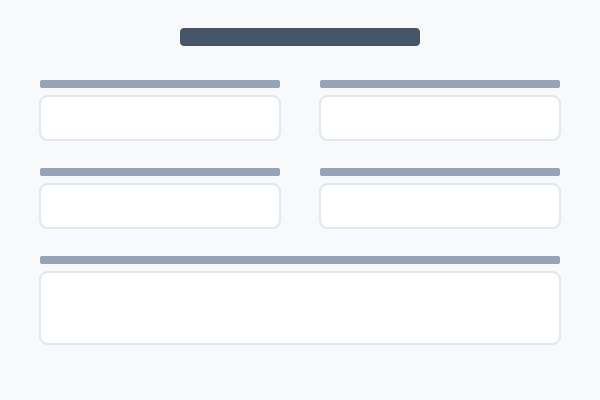
Form block
Embed a form (created separately) on a page. The form's fields, submit label and confirmation behaviour live on the form record itself.
22 May 2026
Elements
A guide to every block in PDS Technology — what it does, every style it ships with, and how to set it up.
Embed a form (created separately) on a page. The form's fields, submit label and confirmation behaviour live on the form record itself.
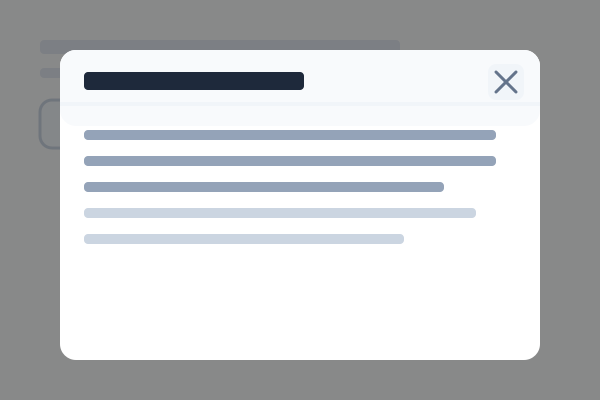
A button that opens a modal containing a specific post's content. Inline or hover-triggered, four button styles.
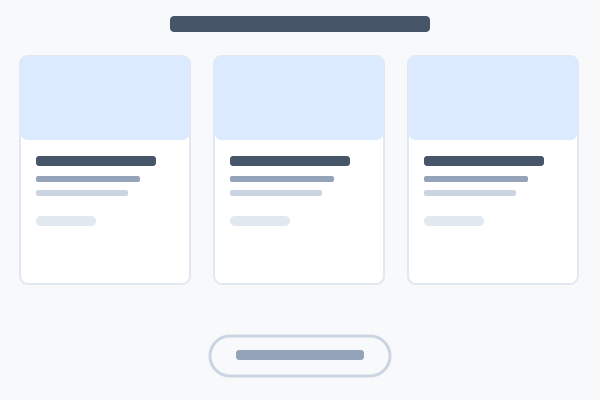
A posts widget — lists the latest posts from a post type in nine different layouts.
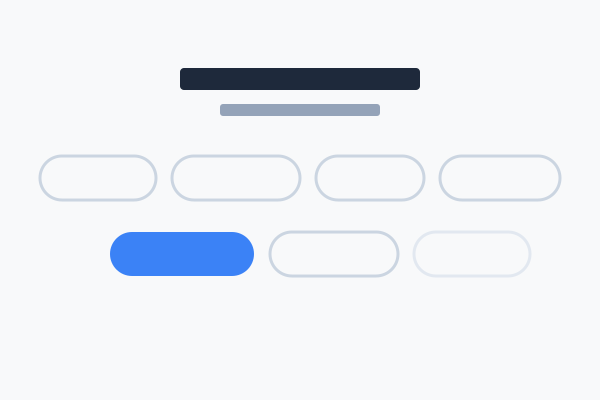
In-page navigation links — six layouts from arrow TOCs to dark banner bars and button grids.
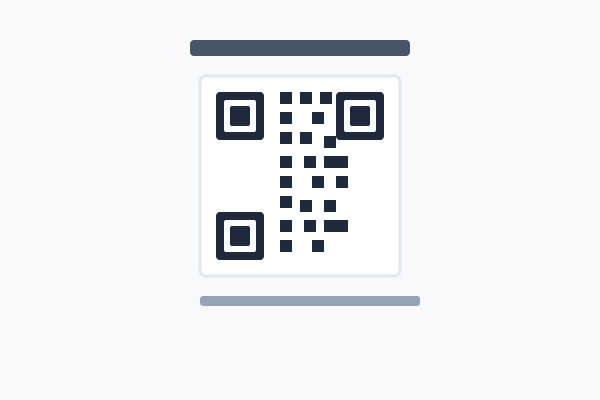
Generate a scannable QR code for a URL or vCard contact, in three sizes and ten colour families.
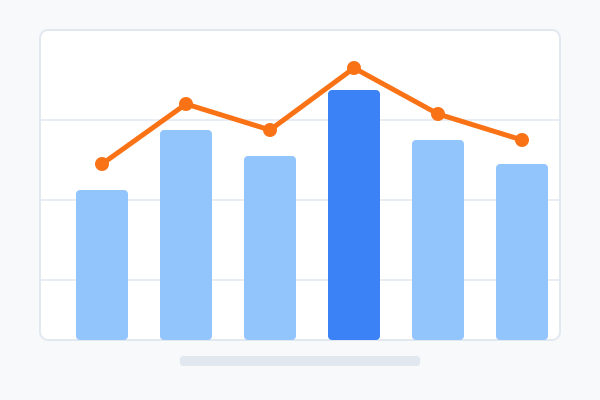
A multi-chart panel — 14 chart types from bar / line / pie to scatter, radar, treemap and funnel. Up to 3 charts per panel.
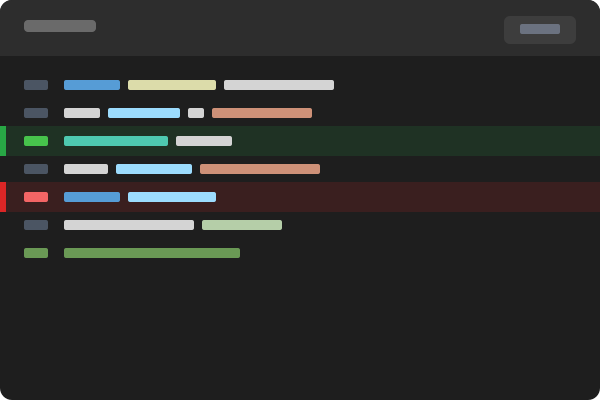
Syntax-highlighted code panels — 25 languages, optional line numbers, diff markers, line highlighting and copy button.
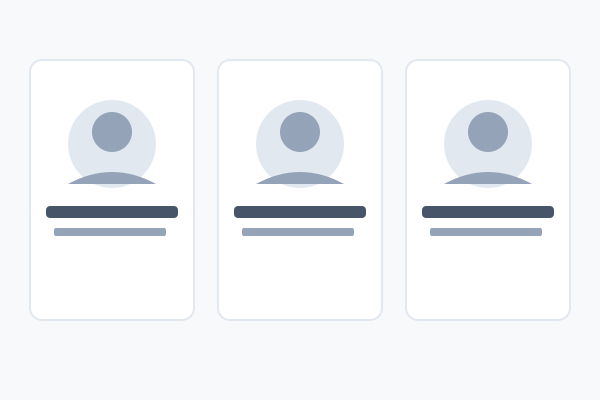
A grid of team members with photos, names, titles, optional bios and social links — eight layouts.
Customer quotes with photo, name, job title and headline — five layouts from featured single quotes to a masonry wall.
A logo wall of customer / client brands — three styles, optional greyscale and dark-mode invert.
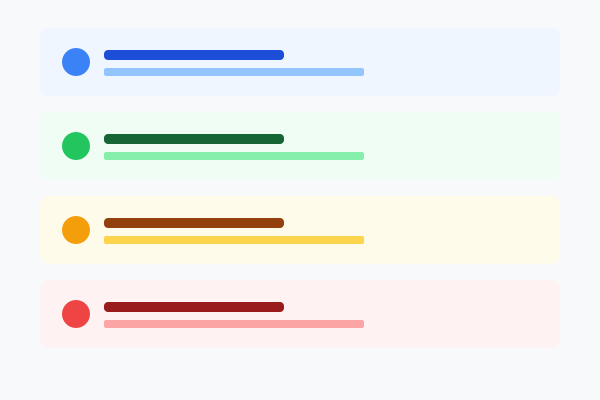
A coloured notice with optional icon, title, body and CTA — three container styles and ten colour families.
A Google Maps embed — pick coordinates or a Place ID, switch between roadmap and satellite, and choose from four heights.