Customers block
21 May 2026
People
A logo wall of customer / client brands — three styles, optional greyscale and dark-mode invert.
What is the Customers block?
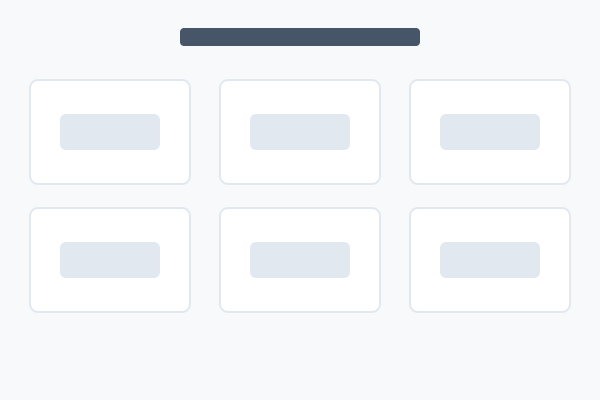
The Customers block displays a logo wall of customer or client brands. Each entry has a logo (required) plus optional name and website link. Logos can be wrapped in a website link, displayed greyscale (full colour on hover), and inverted in dark mode.
It offers three styles — a clean logo grid, individual cards with names, or a split layout with the heading on the left. All examples below use the same 6 sample logos. Hover over any example for the "How to set this up" button.
Style 0 — Logo Grid
Trusted by teams of every size.






Style 1 — Cards
Each customer in a bordered card.
Style 2 — Split
Heading on the left, logos on the right.