Post Modal block
A button that opens a modal containing a specific post's content. Inline or hover-triggered, four button styles.
What is the Post Modal block?
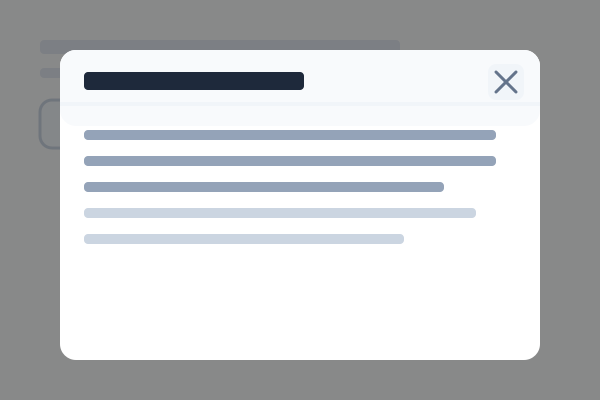
The Post Modal block displays a button that, when clicked, opens a modal containing the full content of a specific post. It's how every tutorial in this site reveals its "How to set this up" walkthrough — you hover an example, click the floating button, and the setup post pops up in a modal.
It has two display modes — inline (button always visible in page flow) and hover (button floats over a trigger block when the visitor hovers it). The button itself can show text, an icon, or both. Modal size has four options: small / medium / large / xl.
Hover over any example below for the "How to set this up" button.
Inline button (always visible)
In this example the button below is inline — always rendered in the page flow at the block's position. Best as a standalone CTA. Click it to open the sample modal.
Hover trigger (floats over another block)
Move your cursor over this content block. A separate Post Modal block (added before it in the layout) with buttonDisplay: "hover" and triggerId: "postmodal-hover-demo" is configured to overlay a button at the top-right. Click it to open the same sample modal.
This is the pattern used throughout this site to attach setup walkthroughs to live examples.