Alert block
A coloured notice with optional icon, title, body and CTA — three container styles and ten colour families.
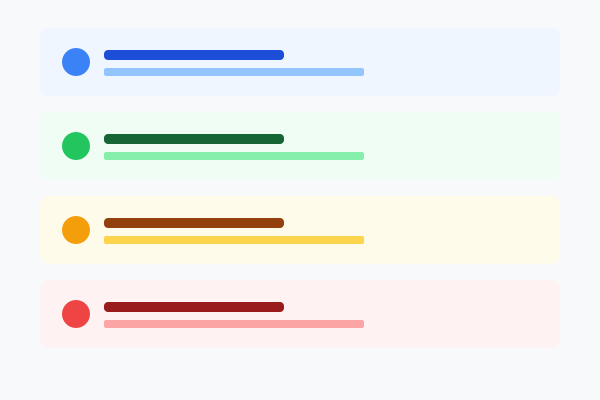
What is the Alert block?
The Alert block is a coloured notice with optional icon, title, markdown body and a single optional CTA button. Use it to flag warnings, success messages, system notices, promotional banners — anything that needs to interrupt the flow without being a full CTA.
It offers 3 container styles × 10 colour families, optionally dismissable. The first three examples below show the same content in each style. The fourth example shows the colour palette in action.
Hover over any example for the "How to set this up" button.
Style "simple"
Rounded panel with the chosen background colour and no border. The most subtle treatment — best for ambient, lower-stakes notices.
Style "bordered"
Rounded panel with the chosen background AND a matching coloured border. The most prominent treatment — use when you really want eyes on it.
Style "top-border"
A 4px coloured stripe along the top edge only, with the chosen background fill. Newspaper-strip look — quiet but distinctive.
Success — green
Use green for success messages — "your booking is confirmed", "changes saved", "setup complete". The colour reinforces the meaning instantly.
Warning — orange
Use orange or yellow for warnings — "this can't be undone", "trial ends soon", "please double-check before saving".
Error — red
Use red sparingly for genuine errors — "payment failed", "upload rejected". Overuse desensitises readers.
Promo — purple / pink
Use purple or pink for promo / announcement alerts — new feature launches, limited-time offers, beta invites.