Code block
21 May 2026
Elements
Syntax-highlighted code panels — 25 languages, optional line numbers, diff markers, line highlighting and copy button.
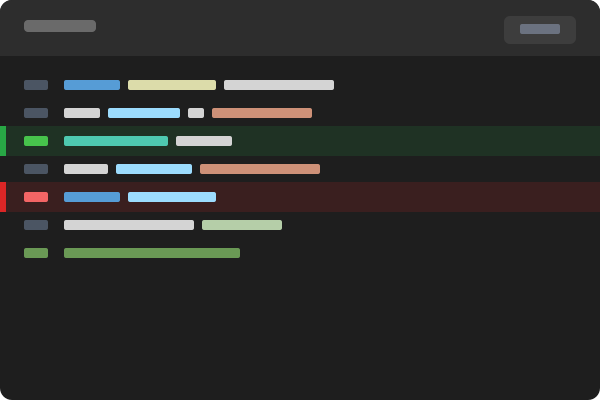
What is the Code block?
The Code block displays a syntax-highlighted code panel with a language badge, optional line numbers, a copy button, optional highlighted / added / removed line markers, and an optional clipped-height view with expand toggle.
It supports 25 languages — use text for plain output. There isn't a style enum like other blocks; instead you mix options to get the variation you want. The four examples below cover the four most common configurations.
Hover over any example for the "How to set this up" button.
python
1def greet(name: str) -> str:
2    """Return a friendly greeting."""
3    return f'Hello, {name}!'
4
5print(greet('world'))
typescript
1interface User {
2  id: string;
3  name: string;
4  email: string;
5}
6
7async function fetchUser(id: string): Promise<User> {
8  const res = await fetch(`/api/users/${id}`);
9  if (!res.ok) throw new Error('User not found');
10  return res.json();
11}
javascript
1function greet(name) {
2  const message = 'Hello';
3  return `${message}, ${name}!`;
4  return 'Hello, ' + name + '!';
5}
6
7greet('world');
bash
1# A long shell script clipped to ~10 lines with an expand toggle
2set -euo pipefail
3
4project_root="$(cd "$(dirname "$0")/.." && pwd)"
5cd "$project_root"
6
7echo 'Installing dependencies...'
8npm ci
9
10echo 'Running migrations...'
11npm run migrate
12
13echo 'Running tests...'
14npm test -- --bail
15
16echo 'Building production bundle...'
17npm run build
18
19echo 'Deploying...'
20./scripts/deploy.sh production
21
22echo 'Done.'