Same Page Links block
In-page navigation links — six layouts from arrow TOCs to dark banner bars and button grids.
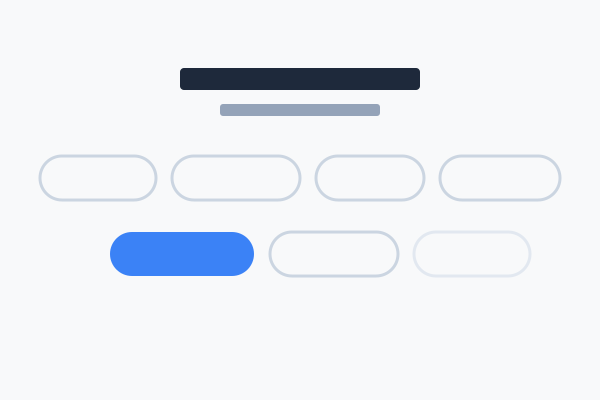
What is the Same Page Links block?
The Same Page Links block displays in-page navigation links — each link targets another block on the same page by its anchor ID. Use it as a table of contents at the top of a long page, a sidebar mini-TOC, or a button grid above the fold.
It offers six styles — arrow list, pill row, number cards, compact panel, dark banner and button grid. The examples below all link to the same set of in-page anchors below.
Hover over any example for the "How to set this up" button.
Style 0 — Arrow List
Centred vertical list with chevrons.
Style 1 — Pill Row
Inline "jump to" tags.
Style 2 — Number Cards
Numbered jump-list — best when order matters.
Style 3 — Compact Panel
Sidebar mini-TOC.
Style 4 — Dark Banner
Full-bleed strip with dot-separated labels.
Style 5 — Button Grid
Prominent action grid.
Anchor targets
The sections below exist so the links above have somewhere to jump to.
Section two
Clicking "Section two" on any of the styles above will scroll here.
Section three
Clicking "Section three" on any of the styles above will scroll here.
Section four
Clicking "Section four" on any of the styles above will scroll here.