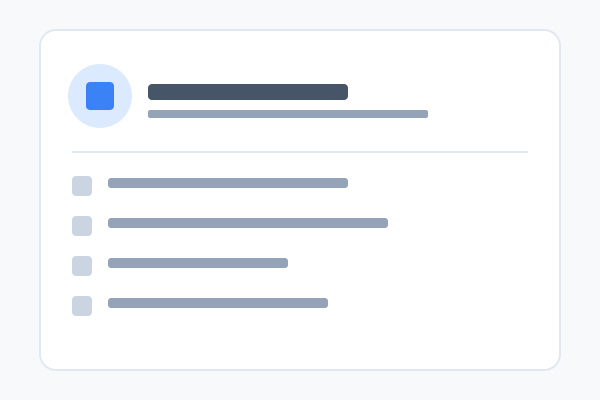
Company Info block
Displays tenant company details (name, address, phone, email, registration numbers) in your choice of four layouts.
21 May 2026
Business
A guide to every block in PDS Technology — what it does, every style it ships with, and how to set it up.
Displays tenant company details (name, address, phone, email, registration numbers) in your choice of four layouts.
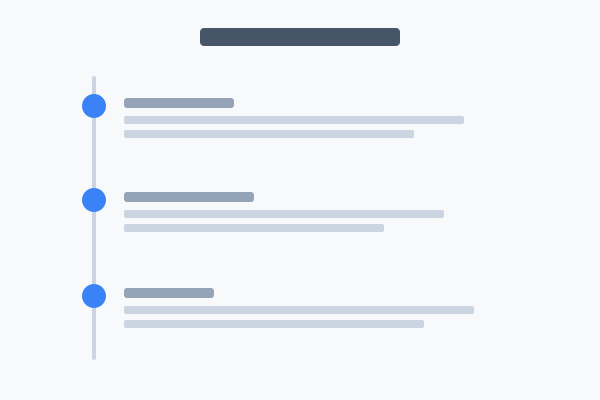
Grouped events, milestones, schedules and roadmaps — seven layouts including vertical, horizontal, scheduler and tabbed.
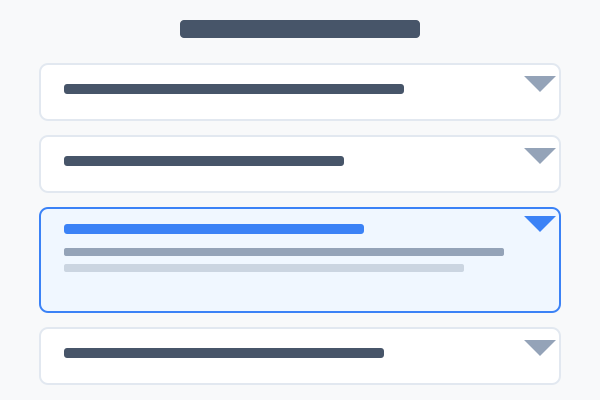
Frequently asked questions in seven layouts — accordions, side panels and grids. Emits FAQPage structured data automatically.

Five gallery layouts with optional category filtering — masonry, grid, carousel, featured viewer and strip.

A horizontal strip of 1-8 images at configurable row height — great for photo strips and brand banners.
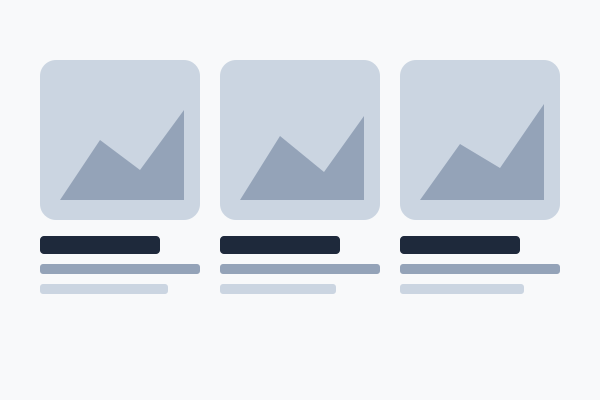
A grid of image + title + description cards. Seven layouts including tabs, scrolling row, 2/3/4-col grids and a bento mosaic.

Embed a YouTube video with playback controls and four width options.

One to three images in six different layouts, with optional caption and credit lines.
Up to six headline metrics in your choice of seven layouts — with or without icons, with or without a side image.
A call-to-action panel — heading, copy, up to four buttons and (in some styles) imagery. Ten layouts.
The page-top showpiece — title, up to 3 buttons, and five image layouts to choose from.

Float a featured element (image, video, chart, QR or company info) and let body text wrap around it.