Form block
Embed a form (created separately) on a page. The form's fields, submit label and confirmation behaviour live on the form record itself.
What is the Form block?
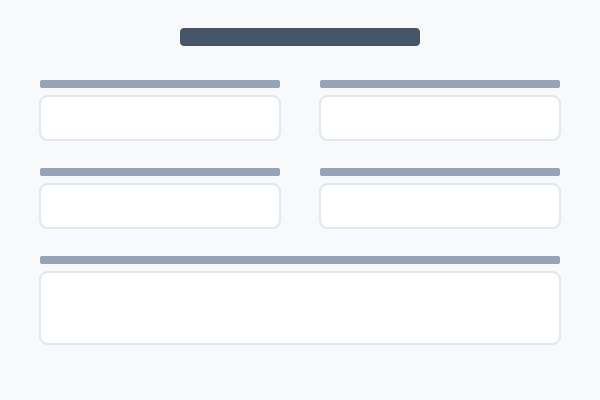
The Form block embeds a form on a page or post. Forms are managed as separate records — each with its own title, field list, submit button label, and confirmation behaviour (inline message or redirect). The block itself is essentially just a pointer: formId tells the renderer which form to embed.
This pattern means the same form can be embedded on multiple pages — update the form once, every embed updates. Useful for newsletter signups, contact forms, support tickets and event registrations.
The example below embeds a sample contact form. Hover for the "How to set this up" button.
Where the form lives
The form embedded above is a separate record — created once, embedded anywhere. Hover this block for the walkthrough on building a form.
Tip: the same form can be embedded on multiple pages. Edits to the form propagate to every embed.