Features block
A grid of features with icons, titles, descriptions, optional bullets and optional links. Seven styles to choose from.
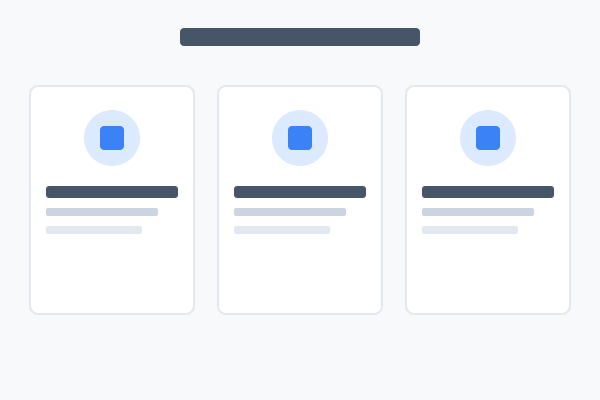
What is the Features block?
The Features block displays a grid of features — each one a small card with an icon, title, description, optional bullet list, and optional "Learn more" link. Use it on a landing page to summarise what your product does, on an about page to show your principles, or anywhere you need to break a list of capabilities into something scannable.
It ships with seven styles. Same data — totally different looks. The right pick depends on how much detail each feature has, how many features you're showing, and how prominent you want them.
How this guide works
Below you'll see each style in turn, rendered live with the same sample data so you can compare them. Hover over any example — a How to set this up button will appear in the top-right corner. Click it for the admin walkthrough.
Style 0 — Icon Grid
Small circle icons, left-aligned heading, up to 3 columns. The default — a clean general-purpose look.
Style 1 — Centered
Centred layout with larger inline icons — a softer, more marketing-led look.
Style 2 — Bullet List
Icon in a rounded square, title, description, then check-bullets. Best when each feature has supporting detail.
Fast to set up
Pick an icon, write a sentence, add bullets if you want to.
- No images required
- Same data as every other style
- Bullets are unique to styles 2, 5 and 6
Mobile friendly
Columns collapse cleanly on smaller screens.
- Responsive by default
- Touch-friendly target sizes
- No layout shift on load
Accessible by default
Semantic headings and focus states are handled for you.
- Heading levels stay in order
- Visible focus rings
- Colour-contrast safe
Style 3 — Large Tiles
Very large icon in a panel-bg box, centred. Maximum 2 columns. Great for headline-style points.
Fast to set up
Pick an icon, write a sentence, you're done. No images required.
Accessible by default
Semantic headings and focus states are handled by the renderer.
Style 4 — Side Layout
Heading and main link pinned to the left third, 2-column feature grid on the right two thirds.
Style 5 — Shadow Cards
Bordered panel cards with shadow, up to 4 columns. The kitchen-sink style — renders every available field.
Fast to set up
Pick an icon, write a sentence, add bullets and a link.
- No images required
- Up to 4 columns
Accessible by default
Semantic headings and focus states are built in.
- Heading order preserved
- Visible focus rings
Easy to theme
Inherits site colours — no per-block styling needed.
- Light and dark modes
- Brand-aware
Style 6 — Inline Panel
Large circle icons inline with content inside a single panel, up to 2 columns. Renders bullets and links.
Fast to set up
Pick an icon, write a sentence, add bullets and a link.
- No images required
- Two columns max
Accessible by default
Semantic headings and focus states are handled by the renderer.
- Heading order preserved
- Colour-contrast safe